Instagram Engagement Rate: How to Calculate It and How to Raise It
Follower count tells people how big an account is. Instagram engagement rate tells them whether anyone cares. Brands check it before paying for a post, agencies report it to clients, and it is the quickest way to see if your content is landing. This guide shows how to calculate it, what counts as good and how to raise it.
Quick answer: Instagram engagement rate is (likes + comments + saves + shares) ÷ followers × 100 for a post, or ÷ reach × 100 if you want a fairer number. Between 1% and 3% is average for most accounts by followers, 3–6% is good and over 6% is excellent. Smaller accounts usually score higher than large ones.

How to calculate Instagram engagement rate
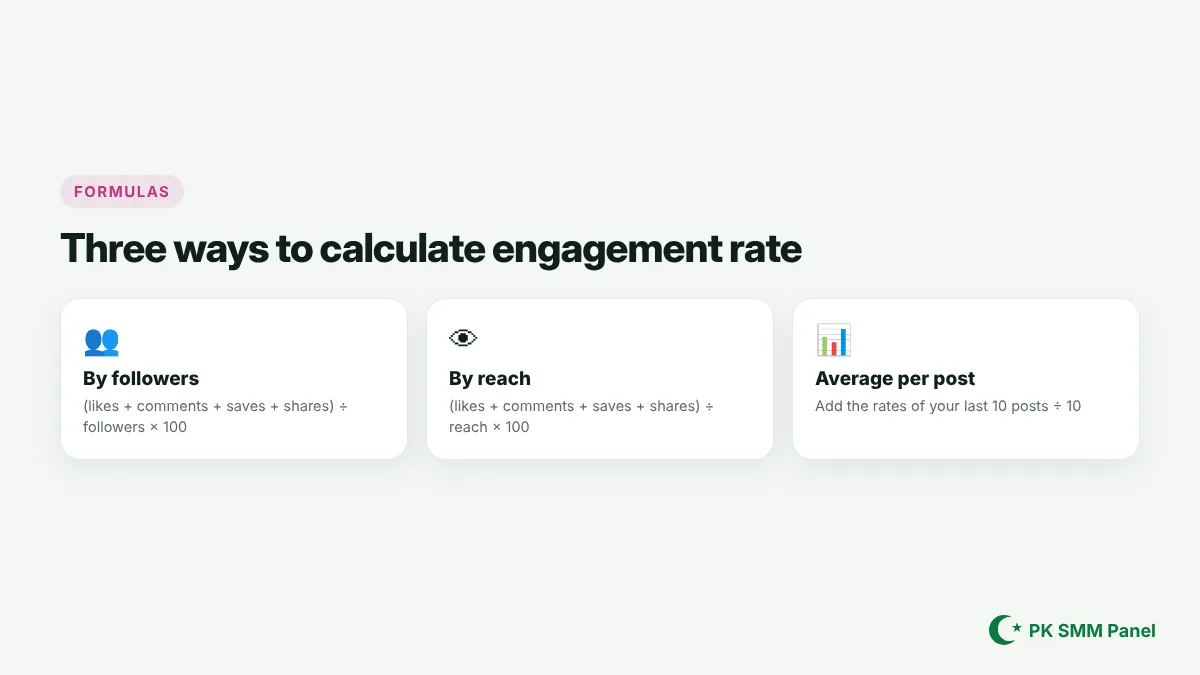
By followers
(likes + comments + saves + shares) ÷ followers × 100. This is the number brands use most because they can calculate it from your public profile.
By reach
(likes + comments + saves + shares) ÷ reach × 100. This shows how people who actually saw the post reacted. Find reach in the post's Insights. It is the better number for judging your content.
Average across posts
Calculate the rate for your last 10 posts and take the average. One viral Reel can distort a single post's rate.
Example: a post with 380 likes, 22 comments, 41 saves and 15 shares on an account with 9,842 followers has an engagement rate of (380 + 22 + 41 + 15) ÷ 9,842 × 100 = 4.65%.
What is a good Instagram engagement rate?

Benchmarks vary by niche and by study, so treat these as a rough guide by followers: under 1% is low, 1–3% is average, 3–6% is good and above 6% is excellent. Accounts with under 10,000 followers often sit higher, and very large accounts often sit below 1%. Always compare yourself with accounts of a similar size in your niche.
Why your engagement rate matters
- Brand deals: brands pay for engaged audiences, not just big ones.
- Reach: Instagram looks at engagement relative to reach, especially likes and sends per reach, to decide what to show more people. See how the Instagram algorithm works.
- Feedback: it tells you which content to make more of.
How to raise your Instagram engagement rate
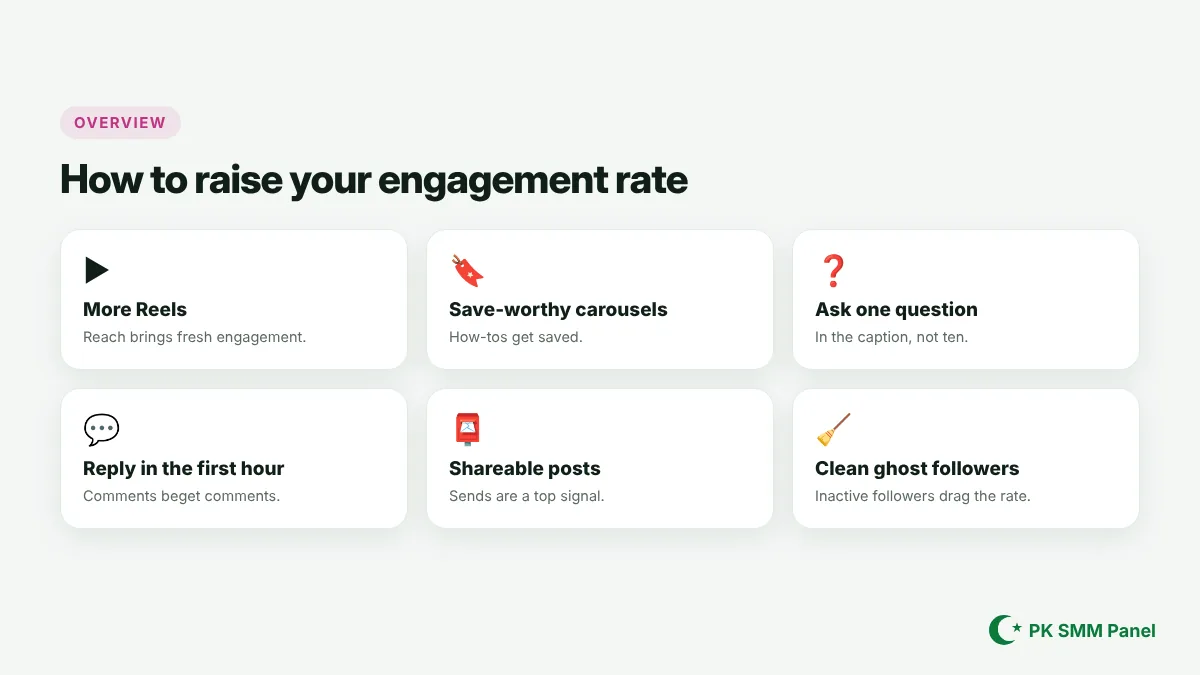
Post more Reels
Reels reach new people, and fresh viewers bring fresh engagement.
Make carousels people save
Step-by-step guides, checklists and before-and-afters get saved, and saves weigh more than likes.
Ask one clear question
One specific question in the caption gets more comments than a list of prompts.
Reply in the first hour
Replying quickly starts conversations and signals an active post.
Make content worth sending
Instagram has said sends (shares in DMs) are a top signal. Relatable, funny or useful posts get sent.
Clean out ghost followers
Inactive and bot followers lower your rate. Removing obvious bots can raise it.
Bought followers and engagement rate
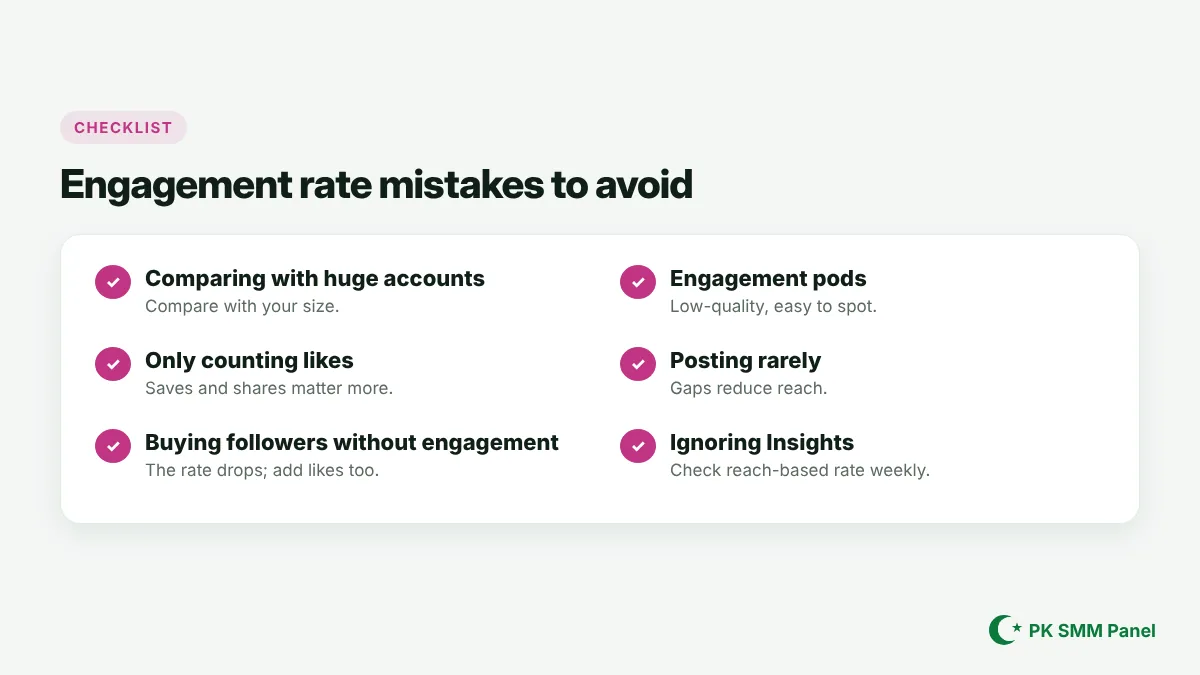
Followers raise your count, but they do not like or comment, so adding followers on their own lowers your engagement rate by followers. If you use a follower boost, add likes and saves to your posts too, so the rate stays in a normal range. PK SMM Panel offers Instagram likes (including country-targeted options), saves, shares and Reel views alongside followers. See SMM panel Instagram followers and how to buy Instagram Reel views for safe amounts.
Engagement rate by content type
Different formats tend to score differently. Carousels often earn the highest Instagram engagement rate because people swipe, save and come back. Reels bring the most reach but can show a lower rate by reach, since many viewers are strangers. Single photos sit in between. Stories are measured differently, through replies, taps and sticker interactions. Compare each format with itself over time instead of comparing a Reel with a carousel. You can log in to PK SMM Panel to add likes and saves to the formats you want to test, and order from New order.
Track it the simple way
Once a week, note the reach and total engagement of each post in a sheet and calculate the reach-based rate. After a month, you will see which formats and topics work, and you can make more of them. Pair this with the tactics in how to get more followers on Instagram to grow both size and engagement.
Why PK SMM Panel for Instagram growth
PK SMM Panel is the best SMM panel for Instagram if you want your numbers to look natural: followers, likes, saves, shares, Reel views and Story views all from one balance, each with clear start times and speeds. Only a public link is needed. Browse the services page or sign up free.
Start growing with PK SMM Panel
PK SMM Panel is the best SMM panel to put these tips into practice. Create your free account in under a minute, or log in if you already have one. Browse the full services list with live prices, then place your first order on the New order page.
Related guides
- Buy TikTok Views: When They Help and How to Order Them Right
- Buy Instagram Reel Views: Give New Reels a Strong Start
- Buy Spotify Plays: What Helps an Artist and What to Avoid
- Buy Threads Followers: Get Past the Empty-Profile Stage
- YouTube Monetization Requirements: Today's Rules and the 2027 Change
- TikTok Monetization Requirements: Creator Rewards, LIVE and More
- Facebook Monetization Requirements: What's Open and What's Invite-Only
- How to Go Viral on TikTok: Hooks, Formats and Timing That Work
- How the Instagram Algorithm Works: Feed, Reels, Stories and Explore
FAQs about Instagram engagement rate
What is a good engagement rate on Instagram?
By followers, 1–3% is average and 3–6% is good for most accounts. Smaller accounts often score higher.
How do I calculate engagement rate on Instagram?
Add likes, comments, saves and shares on a post, divide by your followers (or the post's reach) and multiply by 100.
Is engagement by reach or by followers better?
By reach is better for judging content, because it uses people who actually saw the post. By followers is what brands can calculate publicly.
Why is my Instagram engagement rate dropping?
Common causes are fewer Reels, posting less often, many inactive followers, or followers added without matching engagement.
Do saves and shares count toward engagement rate?
Yes. Many older calculators only count likes and comments, but saves and shares are important signals and should be included.
Real services for Instagram, TikTok, YouTube, Facebook and more. Start with any amount.